

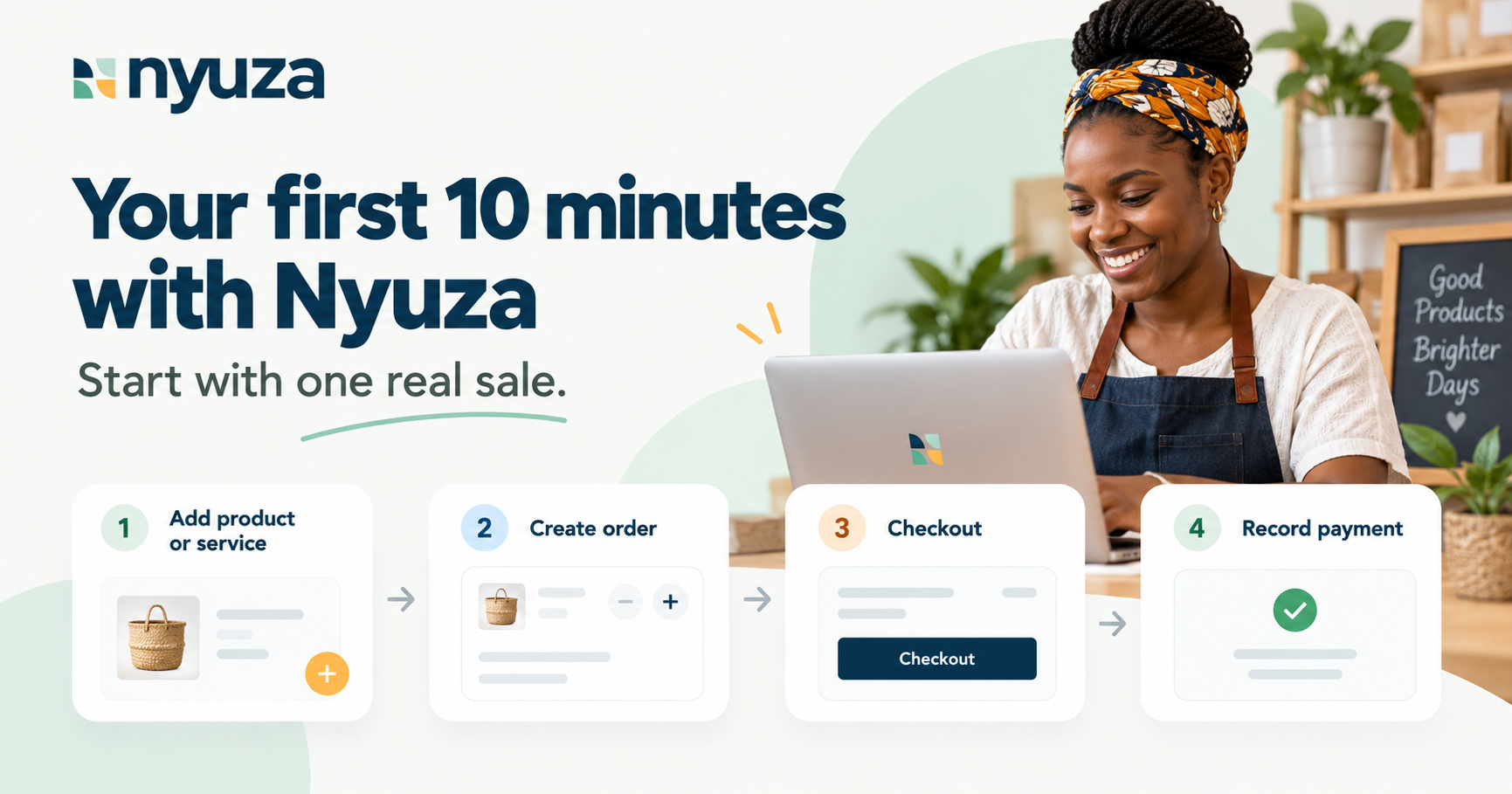
You don’t need to learn the whole of Nyuza before you start.
Start with one real sale.
1. Add one thing you sell
Pick something simple.
Haircut — KES 500
1kg cake — KES 3,500
Perfume — KES 2,000
Consultation — KES 2,500
Not your whole catalogue. Just one.
2. Create an order
Think of a real customer.
For example:
Wanjiku wants a 1kg cake — KES 3,500
Create the order in Nyuza.
3. See what the customer sees
Open the checkout page.
Now instead of:
“Ni ile 3,500 tulisema jana.”
The customer has one clear place to see the order and amount due.
4. Record the payment
Paid in full? Record it.
Paid a deposit?
Total: KES 3,500
Deposit: KES 1,500
Balance: KES 2,000
No digging through M-Pesa messages and WhatsApp chats later.
5. Check Console
Go back to Nyuza Console and see the transaction reflected in your business.
That’s it.
Product → Order → Checkout → Payment → Record
You’ve now seen the core Nyuza flow.
Don’t explore everything yet
Usijisumbue na every menu on day one.
Start with one real transaction.
Then add more products, customers and workflows as you go.
Ready?
Start with your first product or service →
Still stuck?
Start selling on Nyuza with just one product →
Or:
You don’t need to sell physical products to use Nyuza →